MicoAir
MicoAir LR24-F 2.4GHz LoRa Telemetry Radio for Pixhawk / ArduPilot / PX4 — 500mW, Plug and Play
MicoAir LR24-F 2.4GHz LoRa Telemetry Radio for Pixhawk / ArduPilot / PX4 — 500mW, Plug and Play
📦 Ships from our US or Canada warehouse — US delivery in 2–7 business days, duties & taxes prepaid · 🇨🇦 Canada: free shipping · 30-day returns
Couldn't load pickup availability
Overview
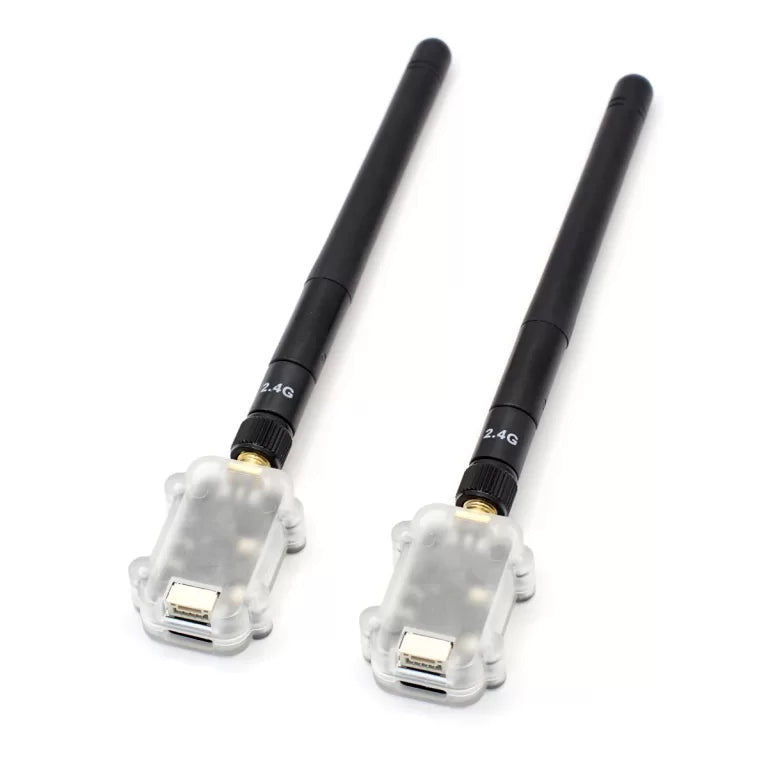
The LR24-F is a compact 2.4GHz LoRa telemetry radio for drones and robotics, delivering a reliable MAVLink telemetry link of 10 km and beyond between your flight controller and ground station. It is plug and play with Pixhawk and any other ArduPilot or PX4 flight controller: a factory pair binds and connects automatically at power-up — no configuration needed before your first flight with Mission Planner or QGroundControl.
Because it uses transparent serial transmission, the LR24-F carries any serial protocol, not just MAVLink — including RTK correction streams between a base and rover using its broadcast modes.
Antenna planning tip: the LR24-F transmits in the 2.4GHz band, so avoid running it alongside a 2.4GHz RC receiver (e.g. ELRS 2.4G) on the same aircraft. Pair it with a 915MHz RC link (ELRS 915 / TBS Crossfire) instead — or see the TRS system, which combines RC control and telemetry in a single 2.4GHz link.
Features
- 2.4GHz ISM band (2400–2482MHz), LoRa spread-spectrum modulation for excellent anti-interference performance and receive sensitivity
- Frequency hopping (FHSS) mode for robust in-flight telemetry
- Transmit power up to 27dBm (500mW)
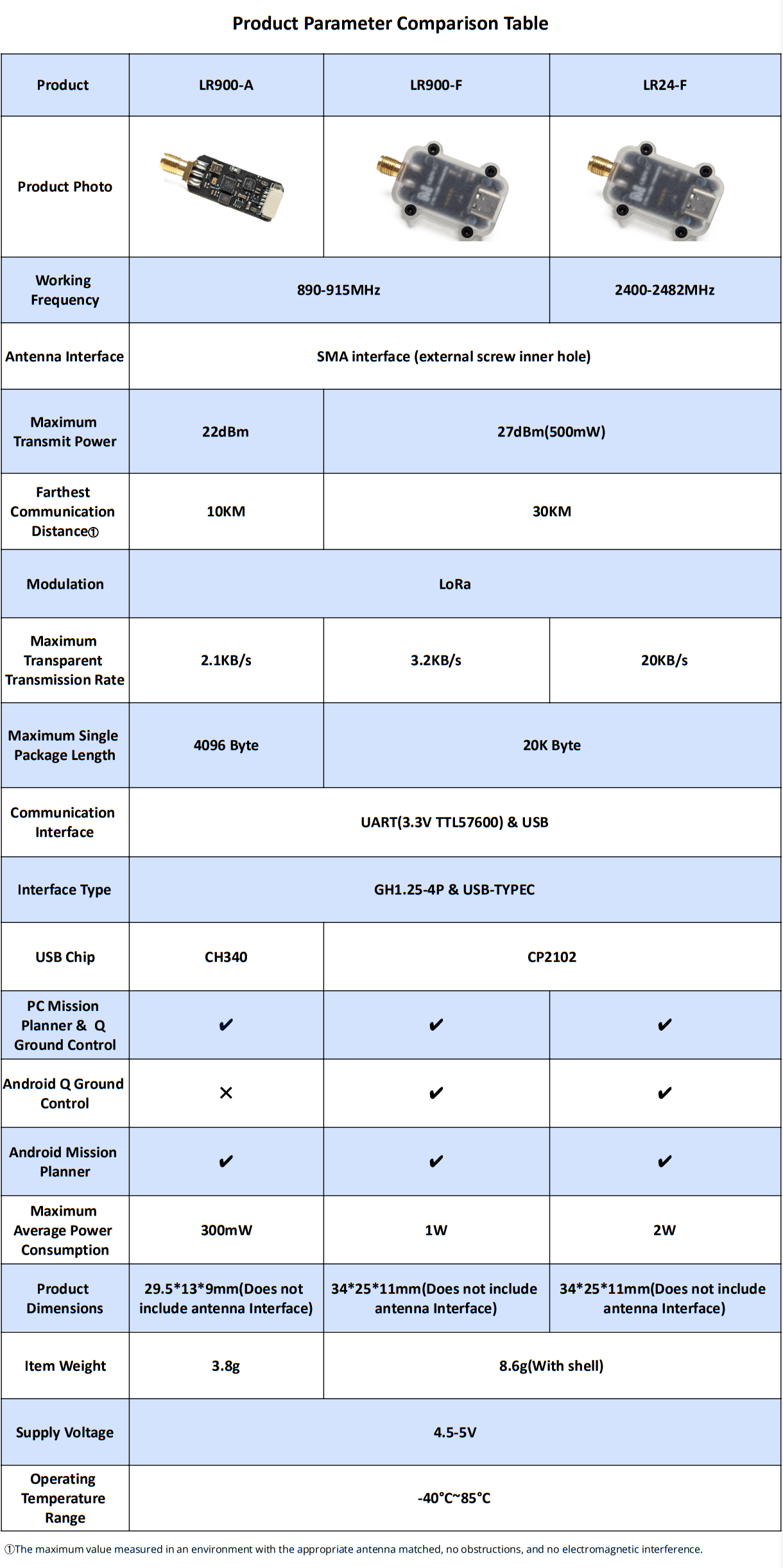
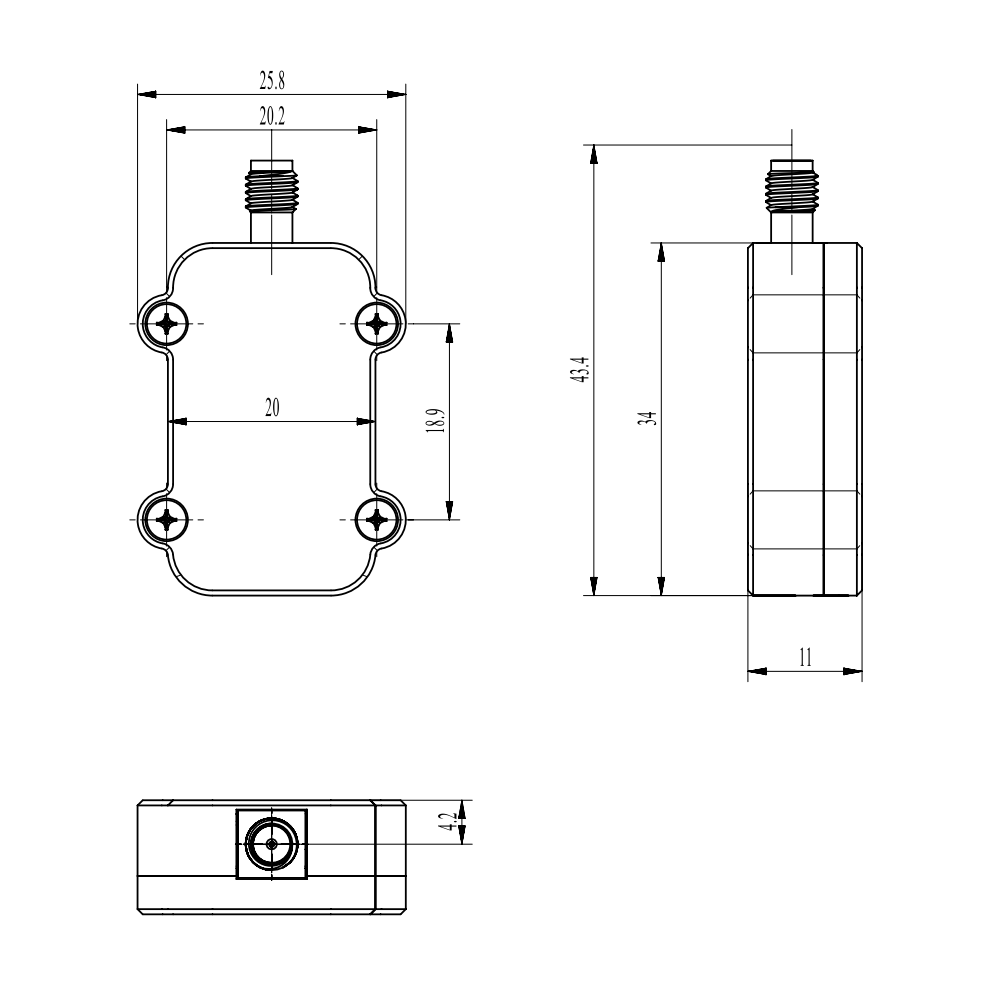
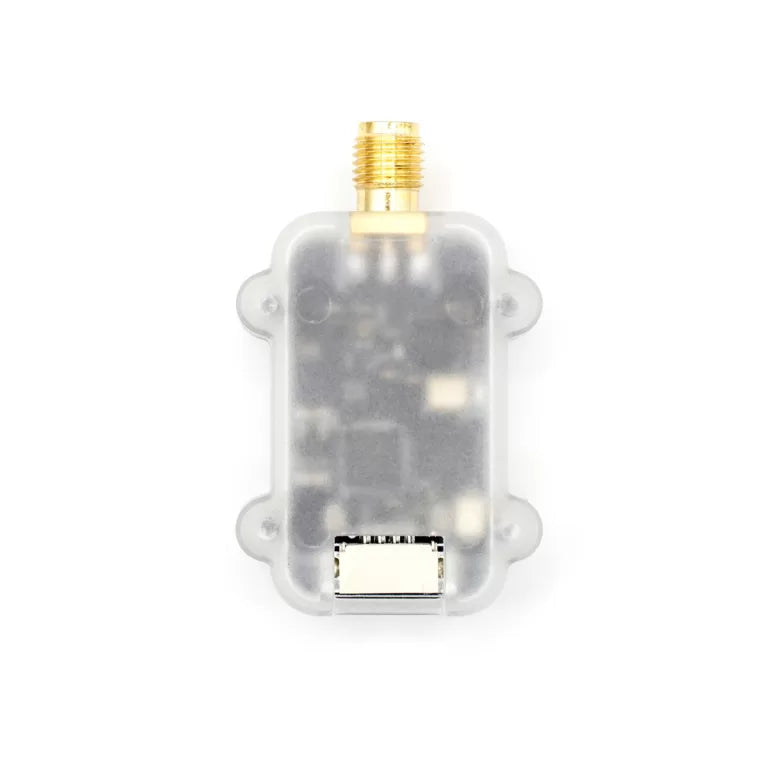
- Small and light: 43.4 × 25.8 × 11 mm, only 8 g
- Transparent transmission — compatible with any serial data and protocol, not just MAVLink
- Full-duplex link, plus one-way broadcast modes for RTK base/rover
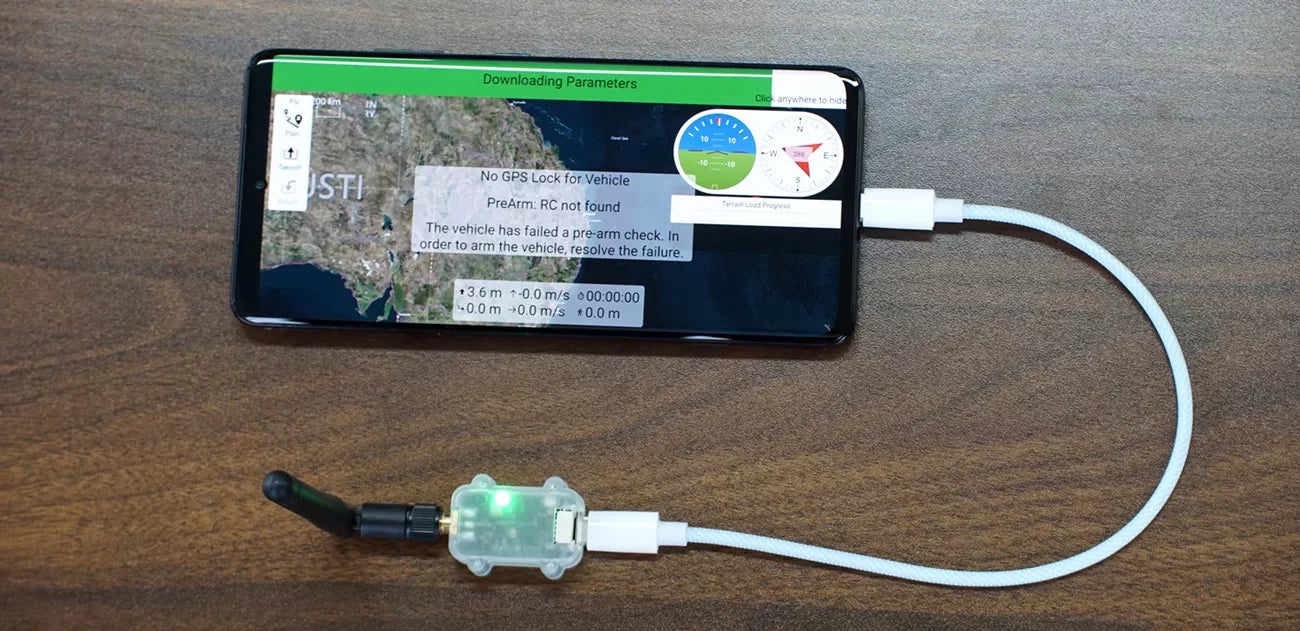
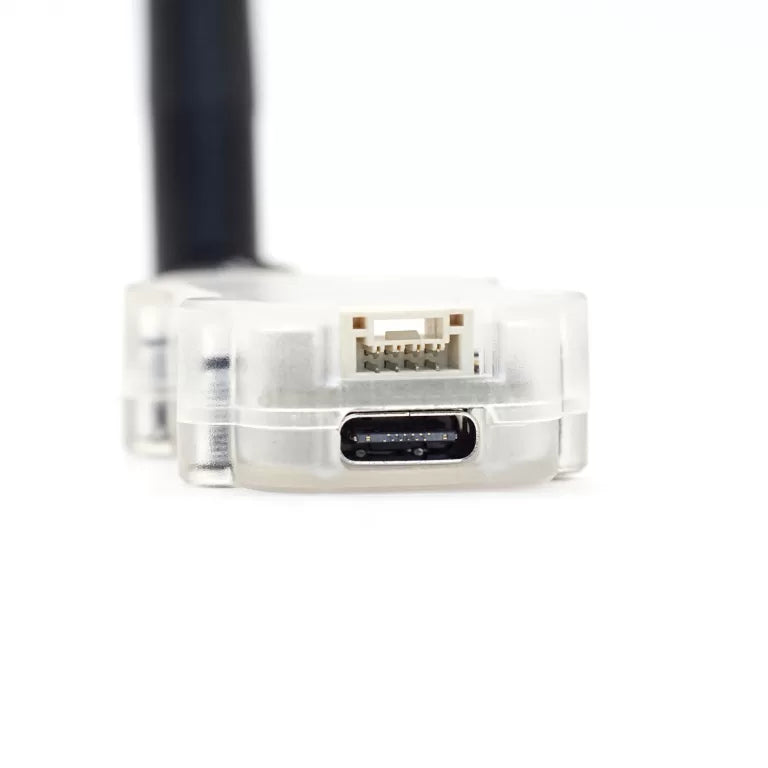
- USB Type-C with CP2102 USB-to-UART chip — works with QGroundControl on Android
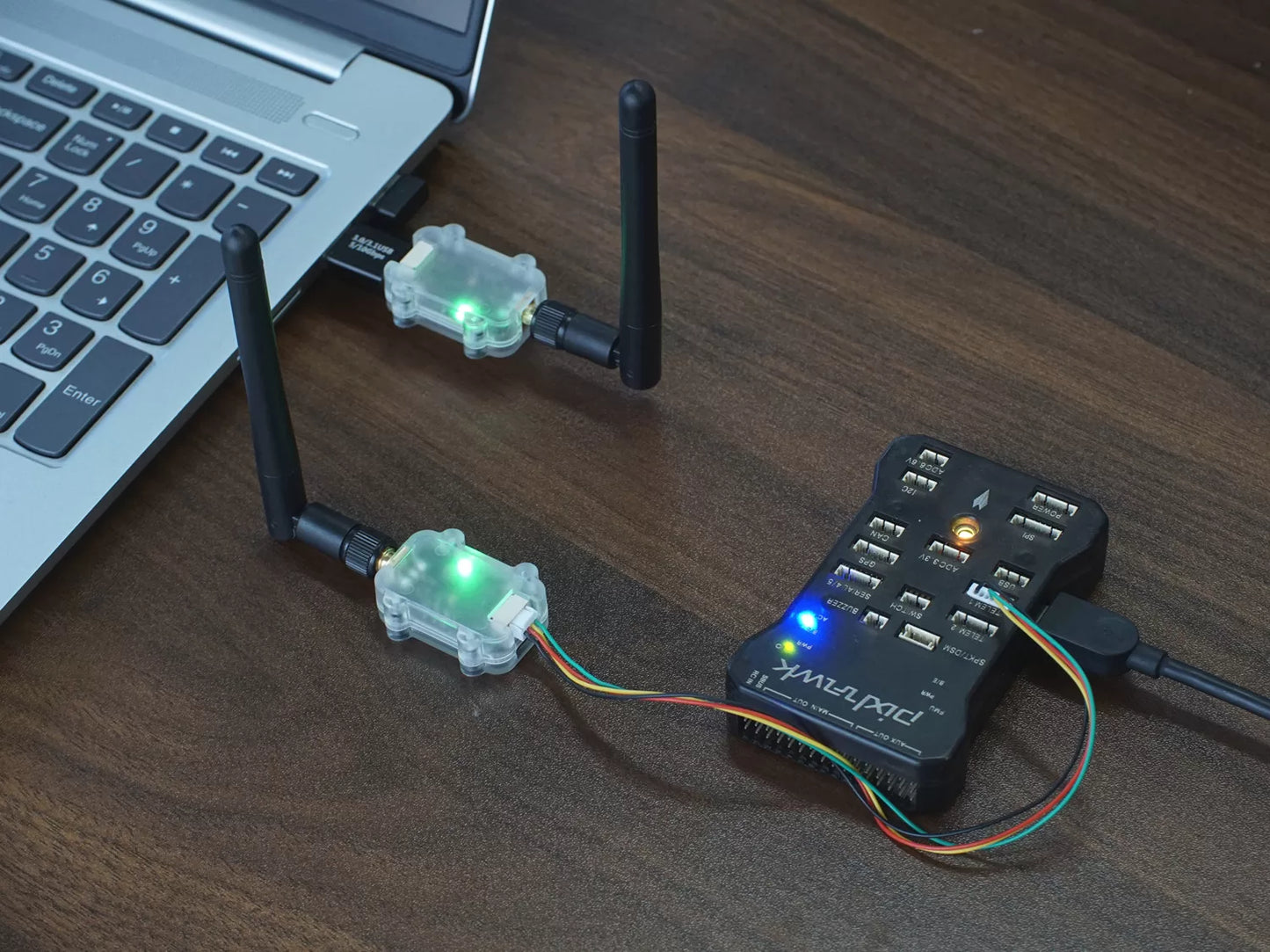
- Plug and play: a pair links automatically out of the box (solid green LED = connected)
Specifications
Data Transmission
- Over-the-air data rate: 2.4 KB/s (default) / 4 KB/s / 8 KB/s / 20 KB/s
- Maximum single-packet length: 20 KB
- UART baud rate (JST-GH port): 9600 / 19200 / 38400 / 57600 (default) / 115200 / 230400 / 460800 / 921600
- UART baud rate (USB port): 57600 (default) / 115200 / 921600
Physical
- Dimensions: 43.4 × 25.8 × 11 mm (without antenna)
- Weight: 8 g
- Antenna connector: SMA (female)
Electrical
- Supply voltage: 4.5–5V DC (from USB or JST-GH)
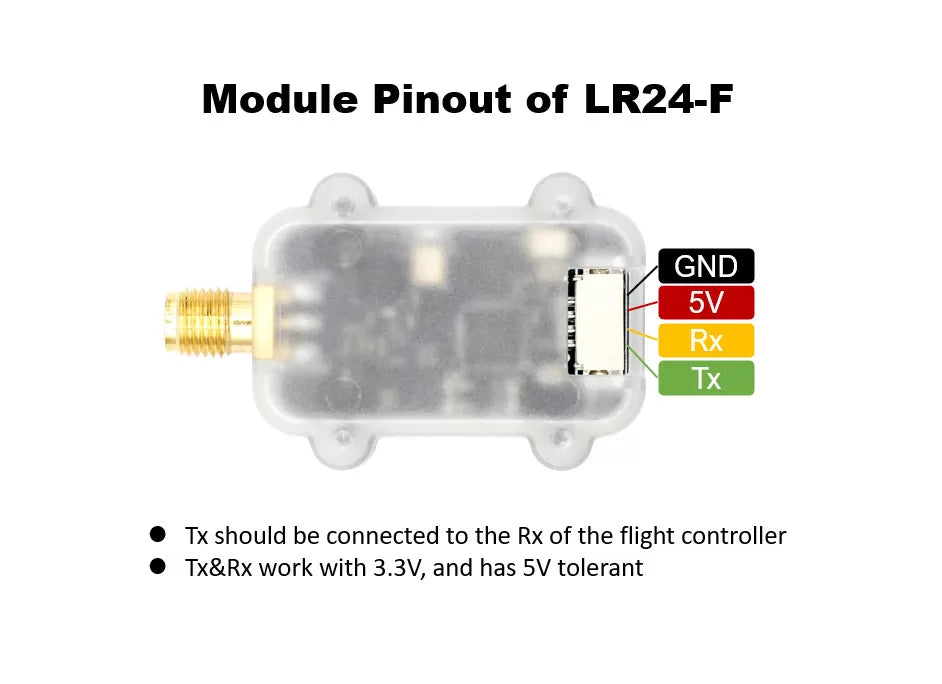
- Average transmit current: 400 mA at 27dBm — if your flight controller's TELEM port can't supply this, power the radio from a 5V BEC and run only GND/TX/RX to the flight controller
- Serial interface: 3.3V TTL UART, JST-GH1.25-4P
- USB interface: USB Type-C (CP2102)
Getting Started
Two LR24-F radios with default settings bind and connect automatically after power-on — the green LED turns solid when the link is up. Wire one radio to your flight controller's TELEM port, connect the other to your PC or Android device, and open Mission Planner or QGroundControl. No parameter changes are required for standard flight-controller telemetry.
Step-by-step setup guides (wiring, flight-controller parameters, ground-station connection, troubleshooting):
Configuration
To change parameters, connect the radio to a Windows PC over USB-C and use the MicoAssistant configuration tool. Windows needs the CP2102 USB-serial driver first — follow our CP2102 Driver Installation Guide (Windows), then note the radio's COM port in Device Manager.
Downloads:
In MicoAssistant: select the radio's COM port, connect at 57600 baud, open the Radio page, click READ to load current parameters, modify as needed, then click WRITE. New parameters take effect after re-powering. Note: if you change the baud rate, use the new baud rate the next time you connect.
Key Parameters
- MODE — DUPLEX (default): two-way 1-to-1 link for flight-controller telemetry. BROADCAST_TX / BROADCAST_RX: one-way modes for RTK base and rover stations.
- RATE — LOW 2.4 KB/s (default) / MID 4 KB/s / HIGH 8 KB/s / ULTRA HIGH 20 KB/s. The default LOW rate is sufficient for flight-controller telemetry; slower rates give longer range. Higher rates need matching baud rates (115200+ for 8 KB/s, 921600 for 20 KB/s).
- CHAN_MODE — AUTO (default): picks the least-interfered frequency automatically. FHSS_GROUND / FHSS_AIR: frequency hopping, recommended for flight telemetry (ground radio = FHSS_GROUND, aircraft radio = FHSS_AIR). MANUAL: fixed channel, set with the CHANNEL parameter.
- ADDR — module address, 1–30000 (default 1000). Radios only link with the same address; give each pair a unique address when flying multiple pairs in one area.
- CHANNEL — 0–82, mapping to 2400–2482MHz (MANUAL mode only).
- BAUDRATE / USB_BAUD — serial and USB port baud rates; both sides of your link and the flight-controller port must match.
For the full parameter reference, model comparison (LR24-F / LR24-P / LR24-F-Mini) and FAQ, see the complete LR24 2.4GHz Telemetry Radio User Manual.
Documentation & Guides
- LR24 User Manual — full specs, parameters & FAQ
- ArduPilot Telemetry Setup Guide
- PX4 Telemetry Setup Guide
- CP2102 Driver Installation (Windows)
- Not sure between 2.4GHz and 915MHz? LR24 vs LR900 comparison
Setting it up with an AI assistant? Read our AI setup guide first. It shows you how to point ChatGPT, Claude or Gemini at the official manual for this product, so the answers come from the real pinout and parameter names instead of guesses.
Package List
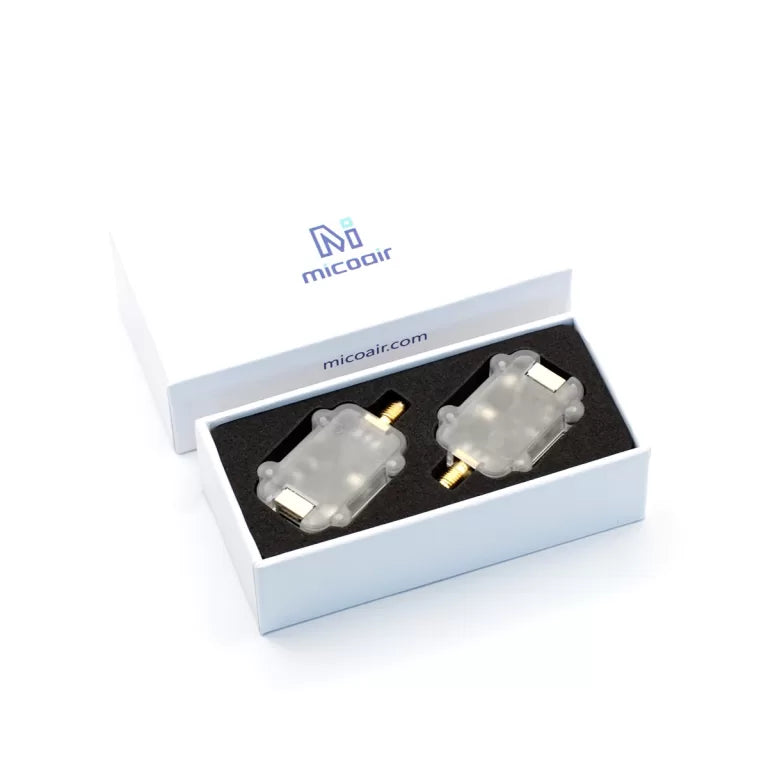
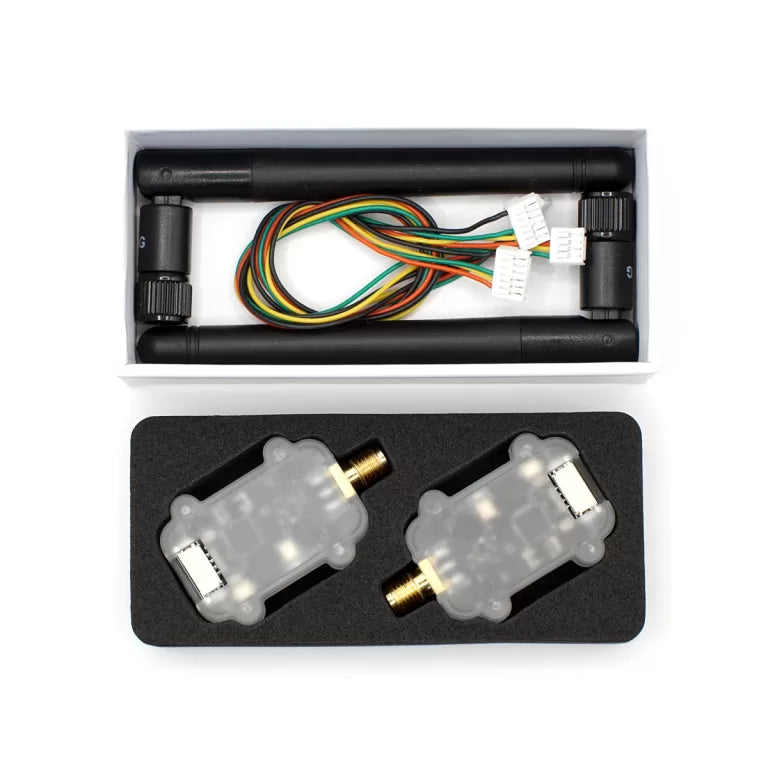
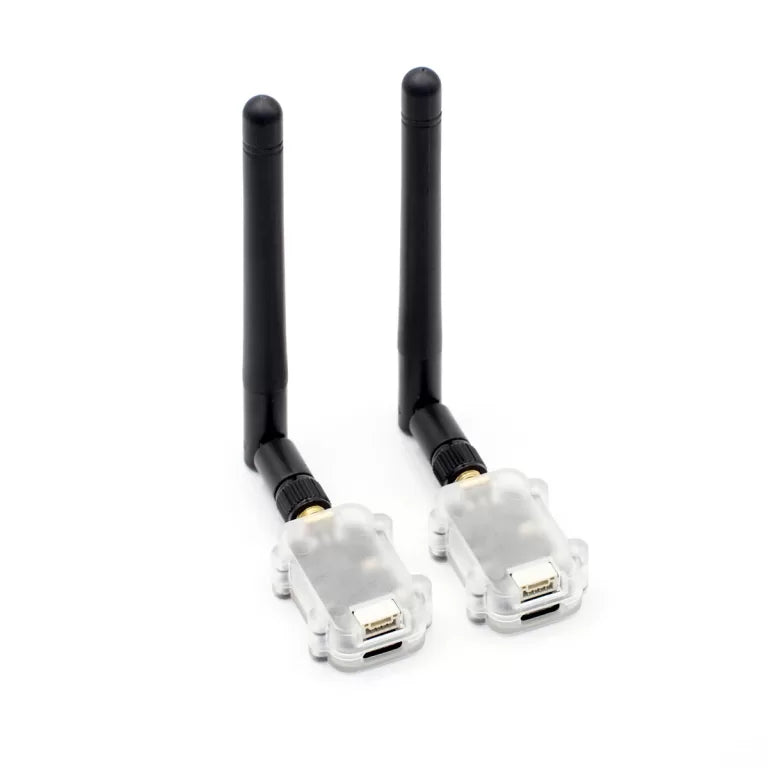
- LR24-F Telemetry Radio × 2
- 2.4G 3dBi antenna (11 cm) × 2
- 20 cm GH1.25-4P to GH1.25-6P cable (for Pixhawk 4/5/6) × 1
- 20 cm GH1.25-4P to MX1.25-6P cable (for Pixhawk 1/2) × 1
Share